- Go to the login screen: https://app.mycirrusdental.com.
- Click on the link that says "Forget your password? Reset it here."
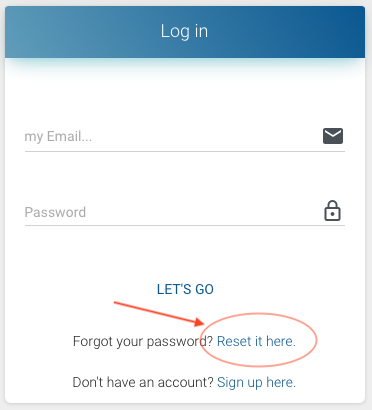
- On the next screen, enter the email address associated with your account.
- Within a few minutes, you'll receive an email with a temporary password. The email will come from support@mycirrusdental.com. If you don't see the email in a few minutes, please check your spam folder.
- Go back to the login screen at https://app.mycirrusdental.com.
- Enter your email address and temporary password.
- When you log in, you'll be asked to enter a new password.