- Log into your account at https://app.mycirrusdental.com.
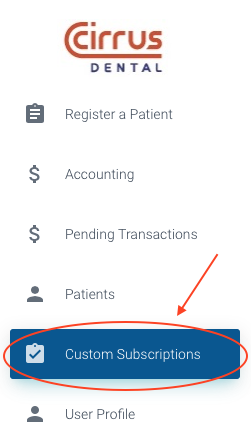
- Select the "Custom Subscriptions" option in the menu on the left of the screen.
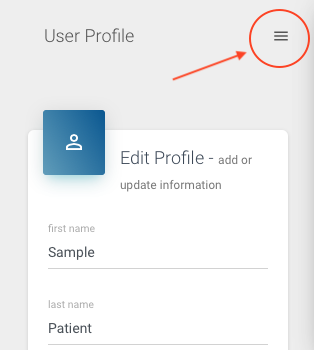
If you're on a mobile device, the menu is accessible via a hamburger icon in the top right of the screen.
- At the bottom of the screen there is a section to view, edit or add a custom subscription.
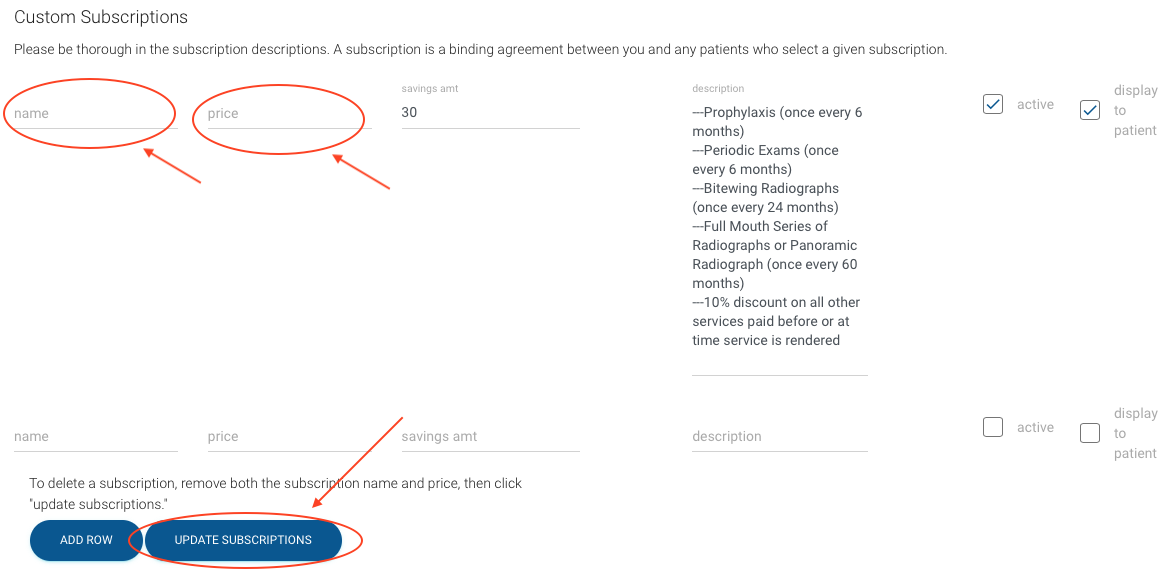
- Remove the values in the "name" and "price" fields, then click the "update subscriptions" button. This will remove the given subscription.
If you'd just like to de-activate a subscription without removing it, follow the steps here: How do I edit a custom subscription?